What it is
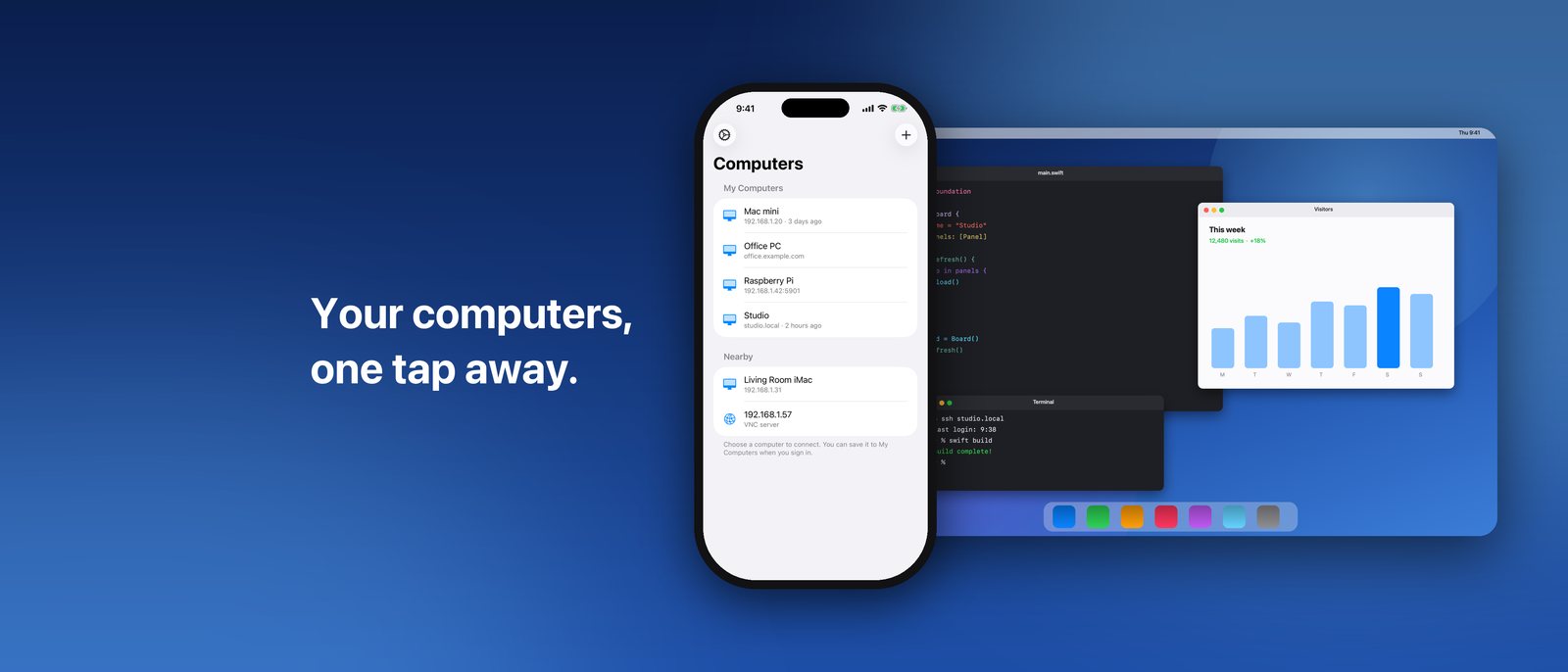
MyVNC puts your computers in your hand. Find one on your network, tap it, and you are looking at its screen, ready to click, type and scroll — a Mac with Screen Sharing turned on, or Windows, Linux or a Raspberry Pi running a VNC server.
Remember a password once and it is kept in your iCloud Keychain, end-to-end encrypted. Step away for a moment and the session is still there; gone longer, and it reconnects and signs back in by itself.
Features
Your computers, found for you
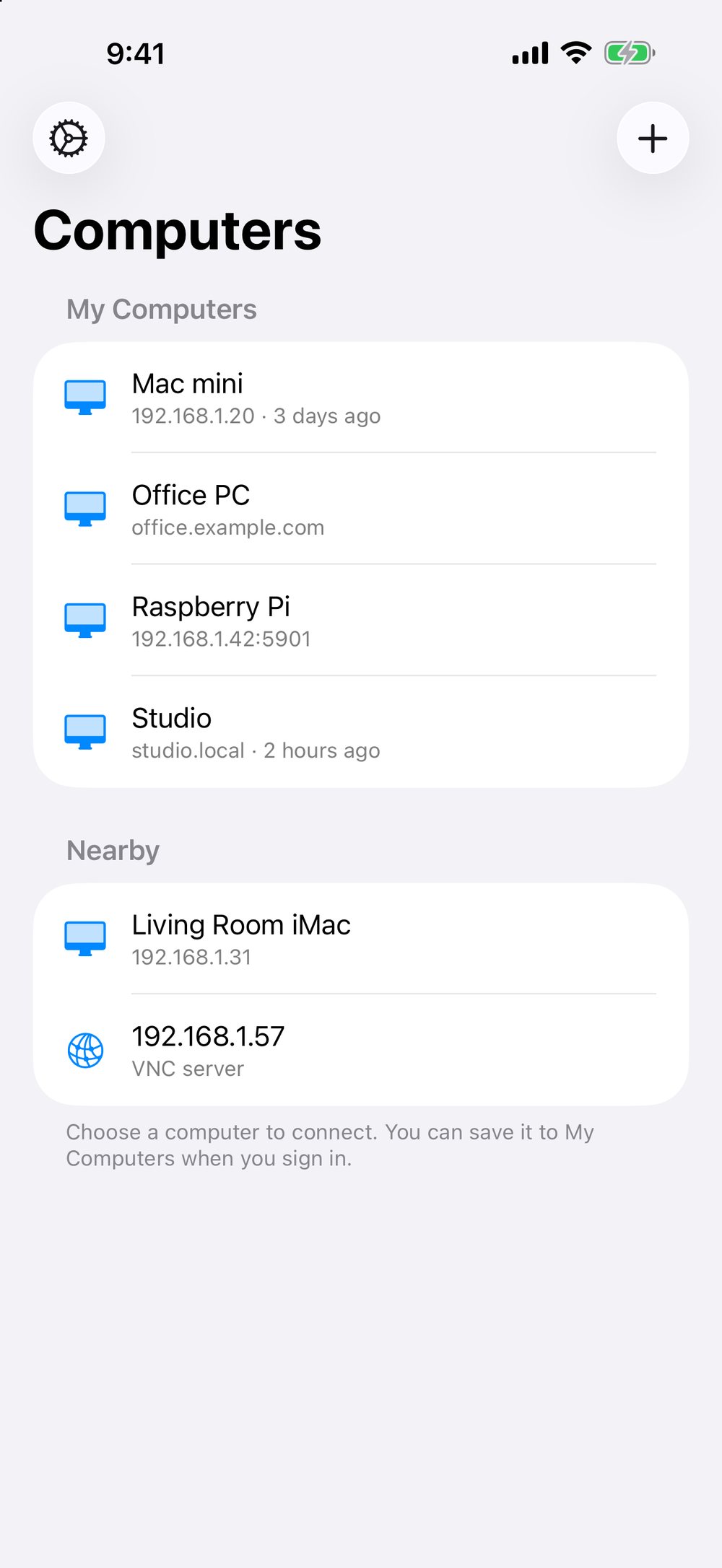
Computers sharing their screen appear by name; a scan of your network finds the quiet ones.
Click, type and scroll
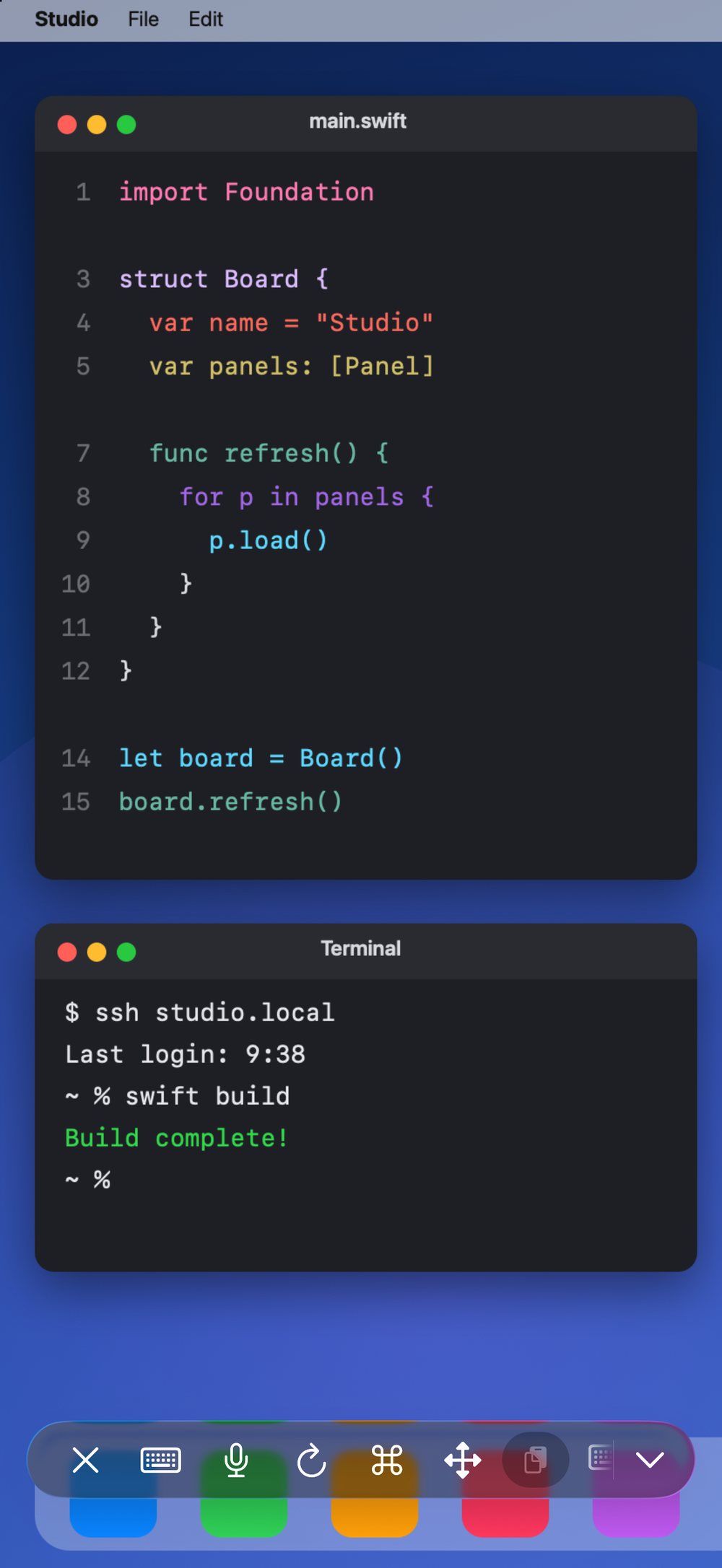
Tap to click, two fingers to scroll, pinch to zoom — with a keyboard and the special keys when you need them.
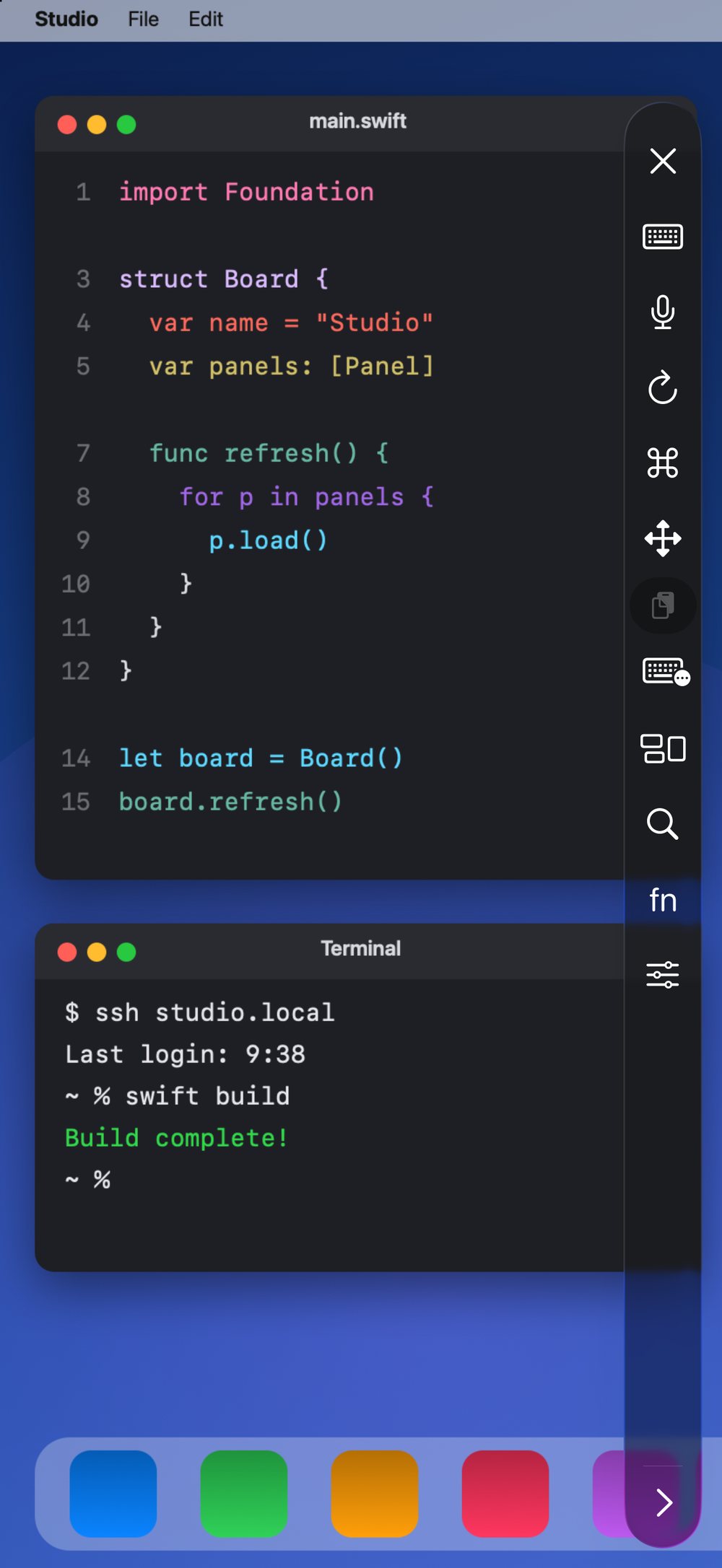
A toolbar that goes where you want
Put its buttons in your order and move it to any edge of the screen.
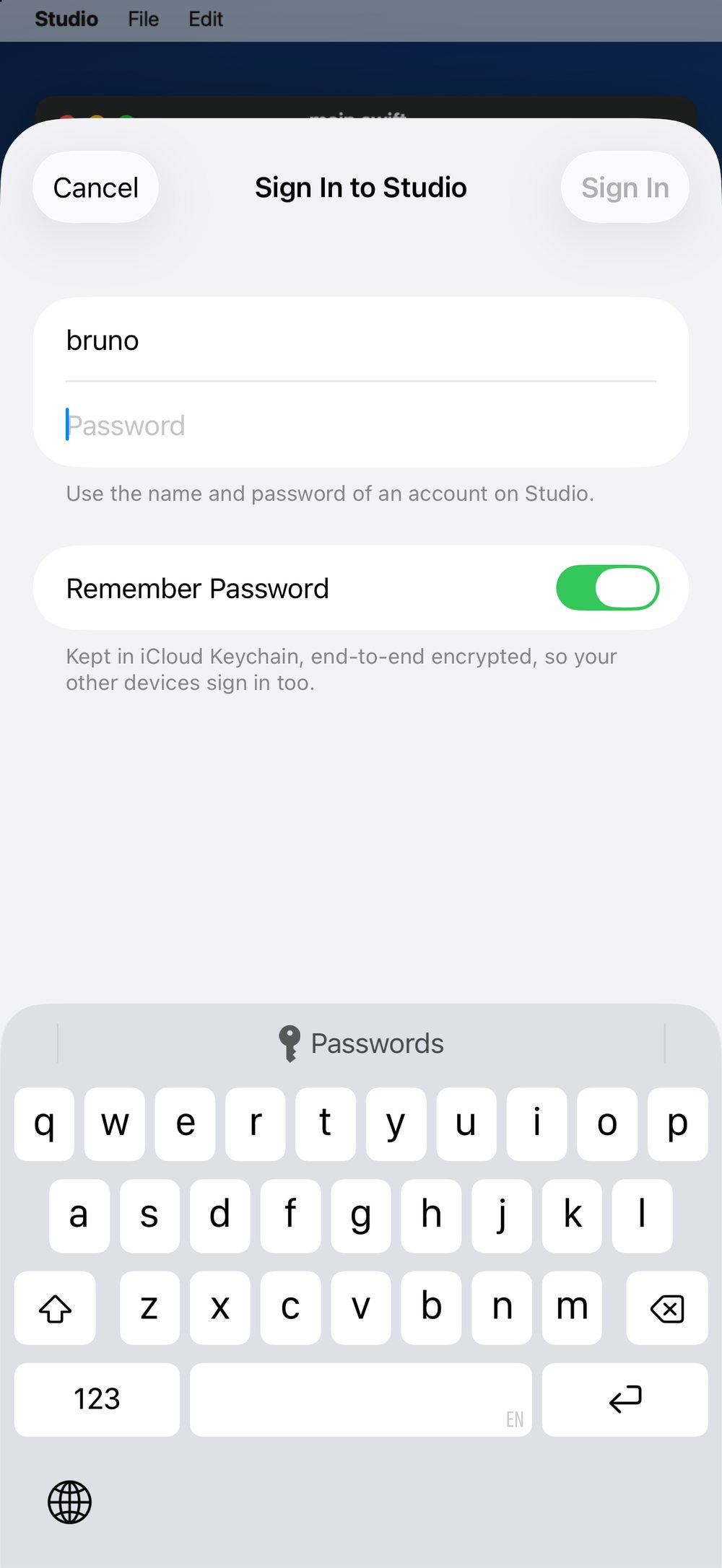
Sign in once
Remember a password and it stays in your iCloud Keychain, end-to-end encrypted.
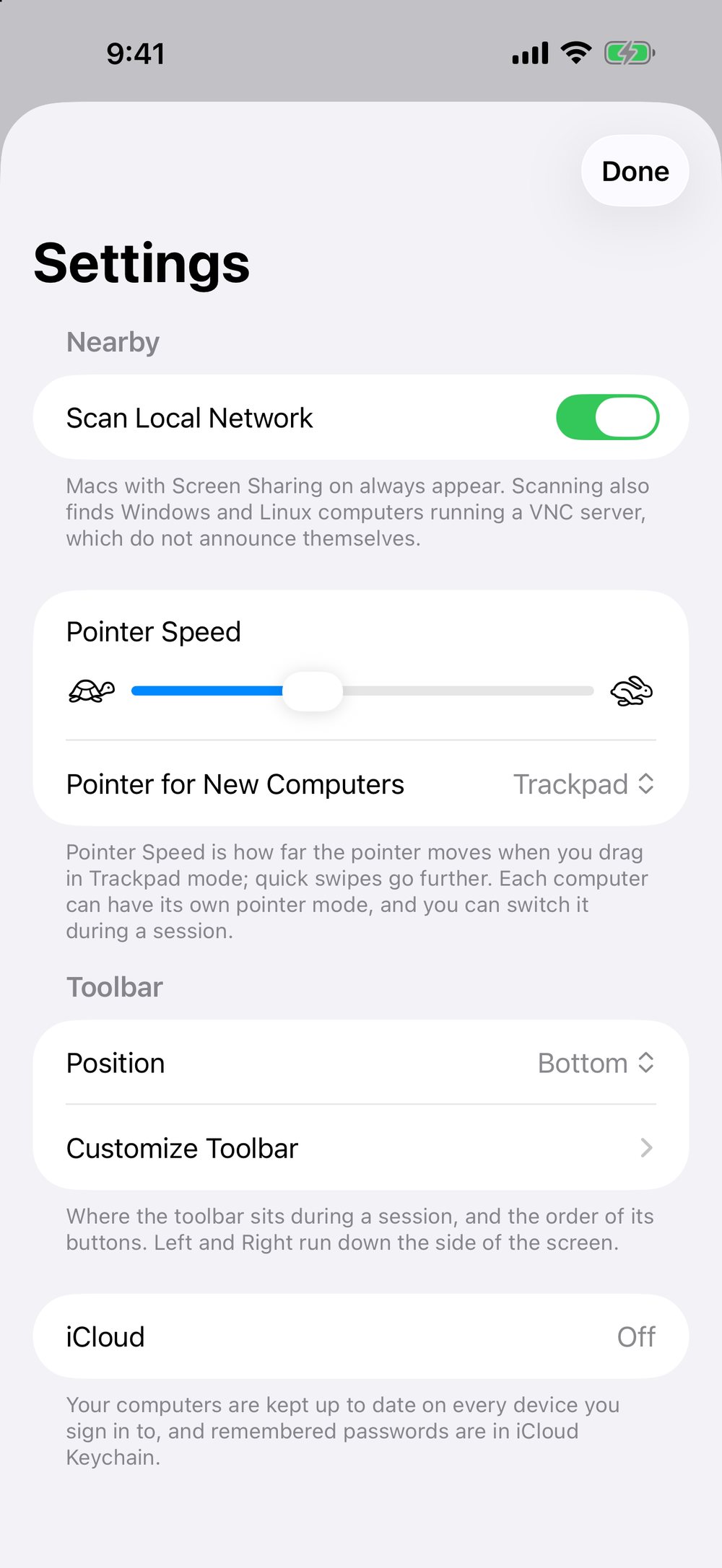
Settings that follow you
Your computers, their icons and colours, and your toolbar sync through iCloud.
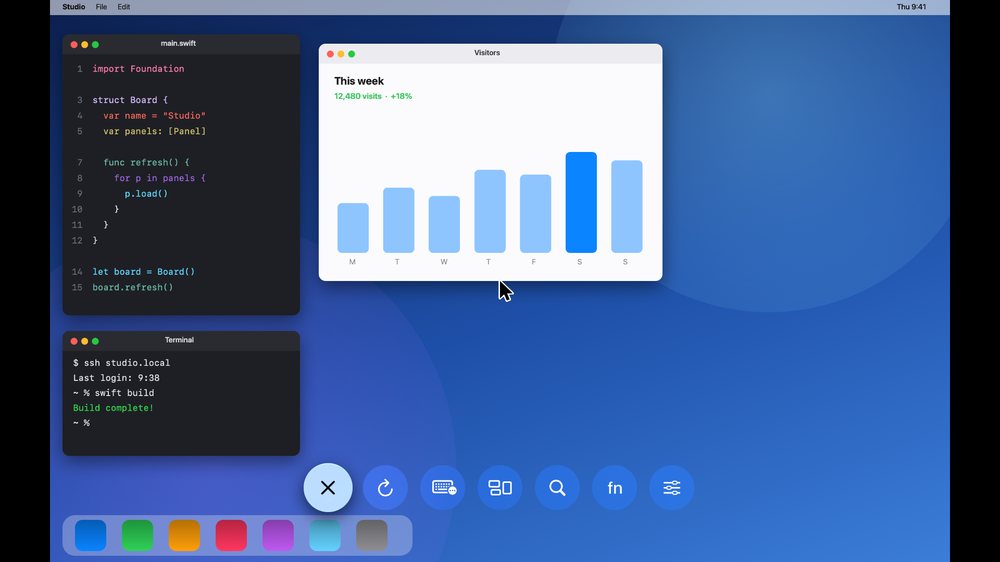
On the big screen
Swipe on the remote to point, click to click, from the sofa.
Free and MyVNC Premium
| Feature | Free | Premium |
|---|---|---|
| Find computers nearby | Included | Included |
| Keyboard and F1–F12 keys | Included | Included |
| Computers | 1 | Unlimited |
| Order, icons and colours | Not included | Included |
| Reconnect at launch | Not included | Included |
| Arrange the toolbar | Not included | Included |
| Family Sharing | Not included | Included |
This table is read from the app’s own comparison when the page is built, so it says what the app enforces. MyVNC Premium is a yearly subscription with a free trial, shared with your family; the price is shown in the app and on the App Store. MyVNC is made by one person — Premium supports him and his family.
Connect from anywhere
At home, MyVNC talks straight to your computers over your network. Away from home, your router stands between you and them — which is what you want. To reach a computer from anywhere, you need a private way back in: a VPN, which joins your devices into one private network across the internet and encrypts everything on the way.
We recommend Tailscale: install it on the computer and on your phone, sign in with the same account, and add the computer in MyVNC by its Tailscale name. It needs no router setup and is free for personal use. Never forward a VNC port to the internet.
MyVNC is not affiliated with Tailscale; any VPN that puts your devices on one network works the same way.
Get MyVNC
MyVNC is on the App Store, free, for iPhone, iPad and Apple TV.
Questions and ideas are welcome: [email protected].