MyView
Your home at a glance
Coming soon to the App Storefor iPad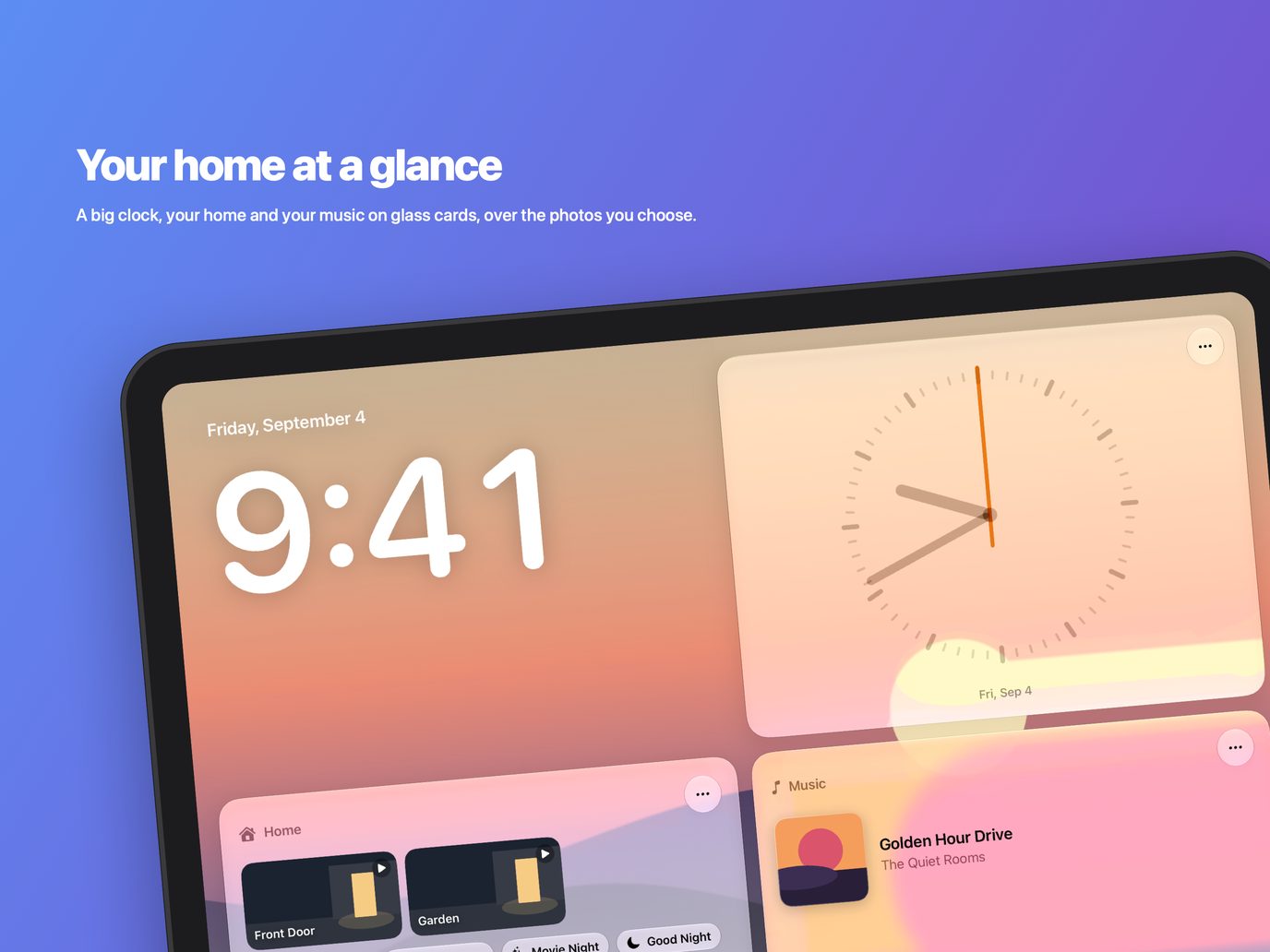
What it is
MyView turns a spare iPad into a dashboard for your home: your photos behind a big clock, and a grid of glass cards with the things you want at a glance.
Choose up to three rows of cards and arrange them the way you like — your rooms, scenes and accessories, what’s playing, a camera, a note for whoever walks past. Swipe between dashboards, and let it dim to a photo frame when nobody is around.
Features
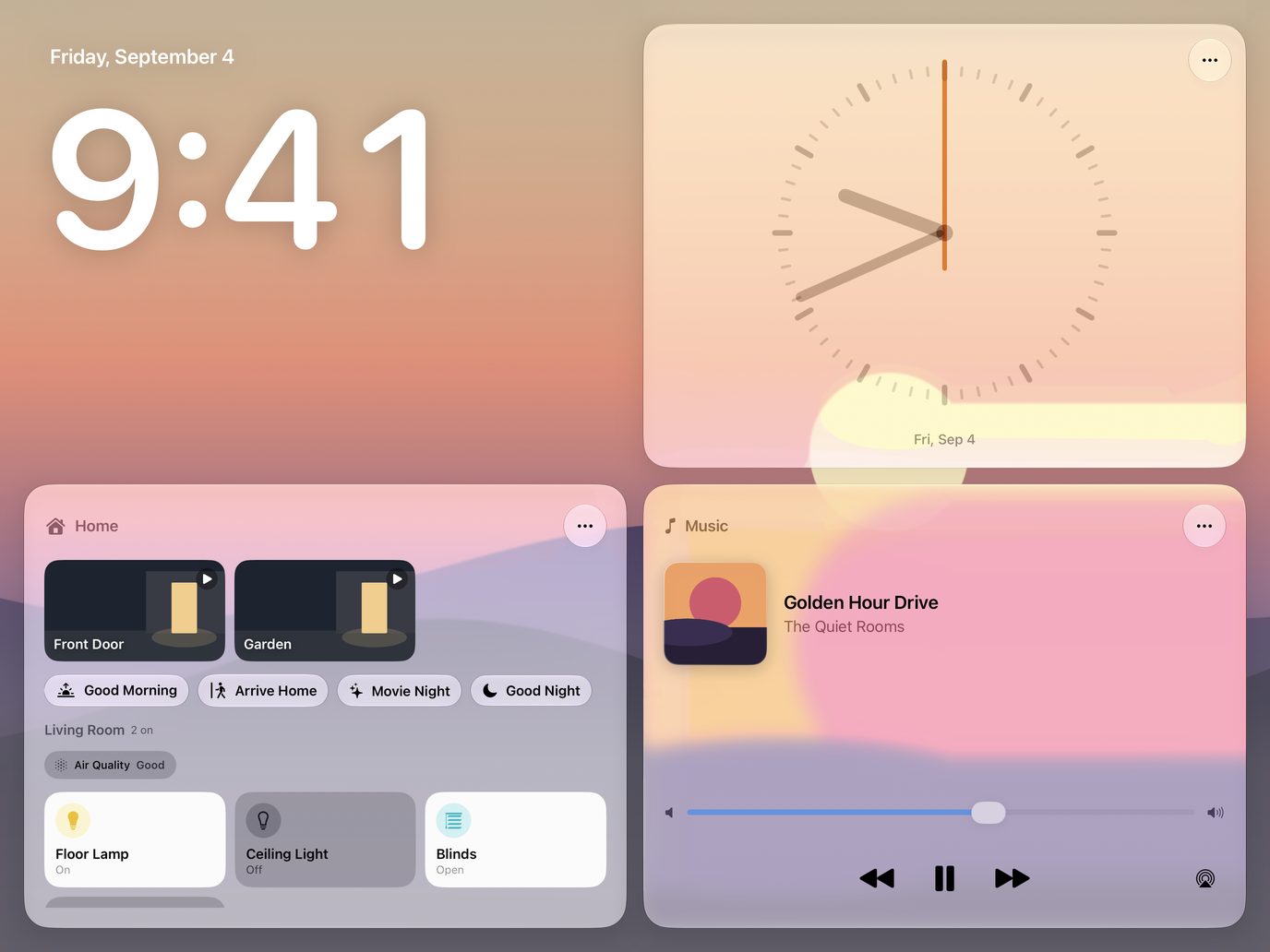
Your home at a glance
A big clock, your home and your music on glass cards, over the photos you choose.
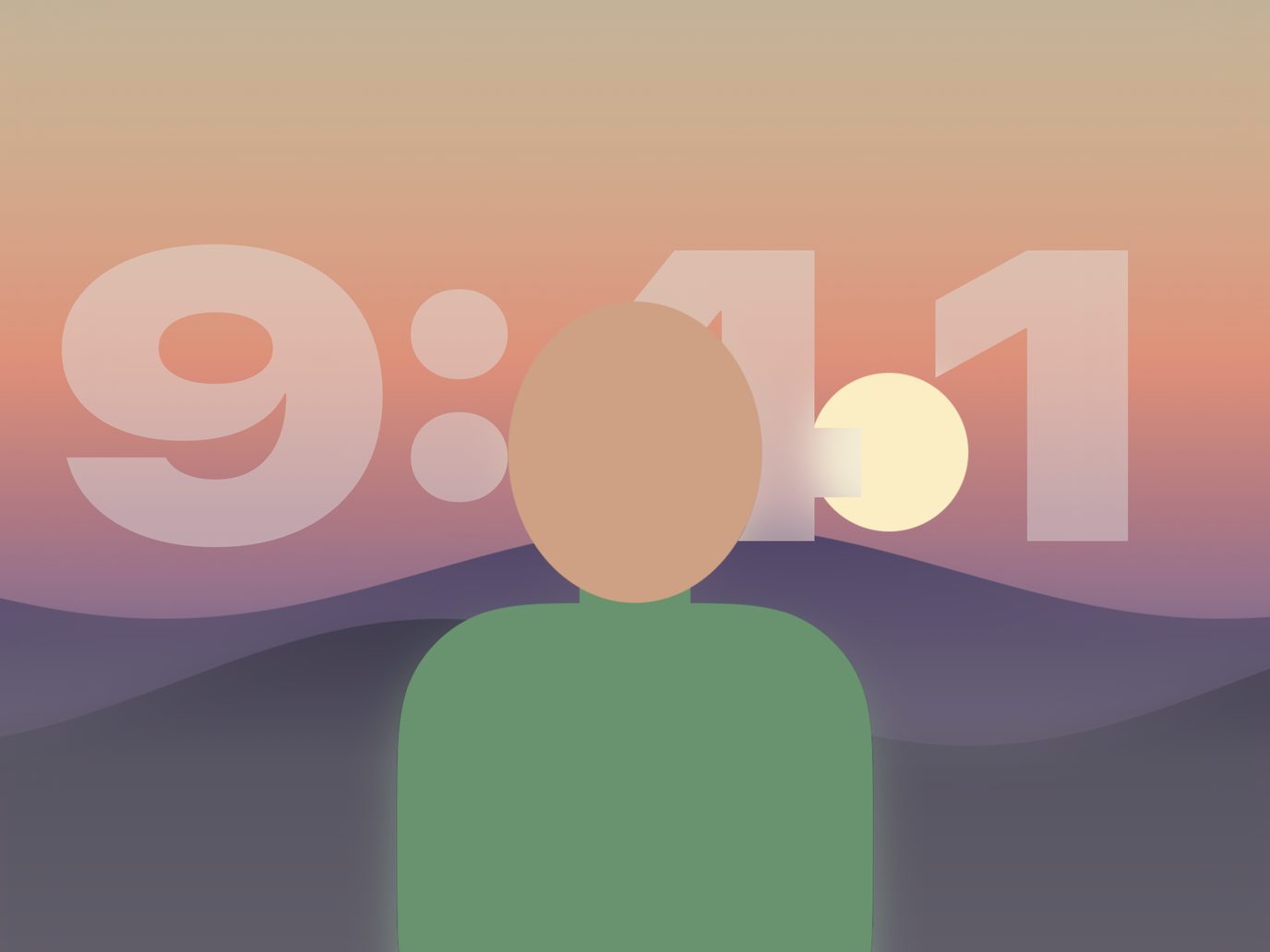
The time, behind the picture
The clock sits behind whoever is in the photo.
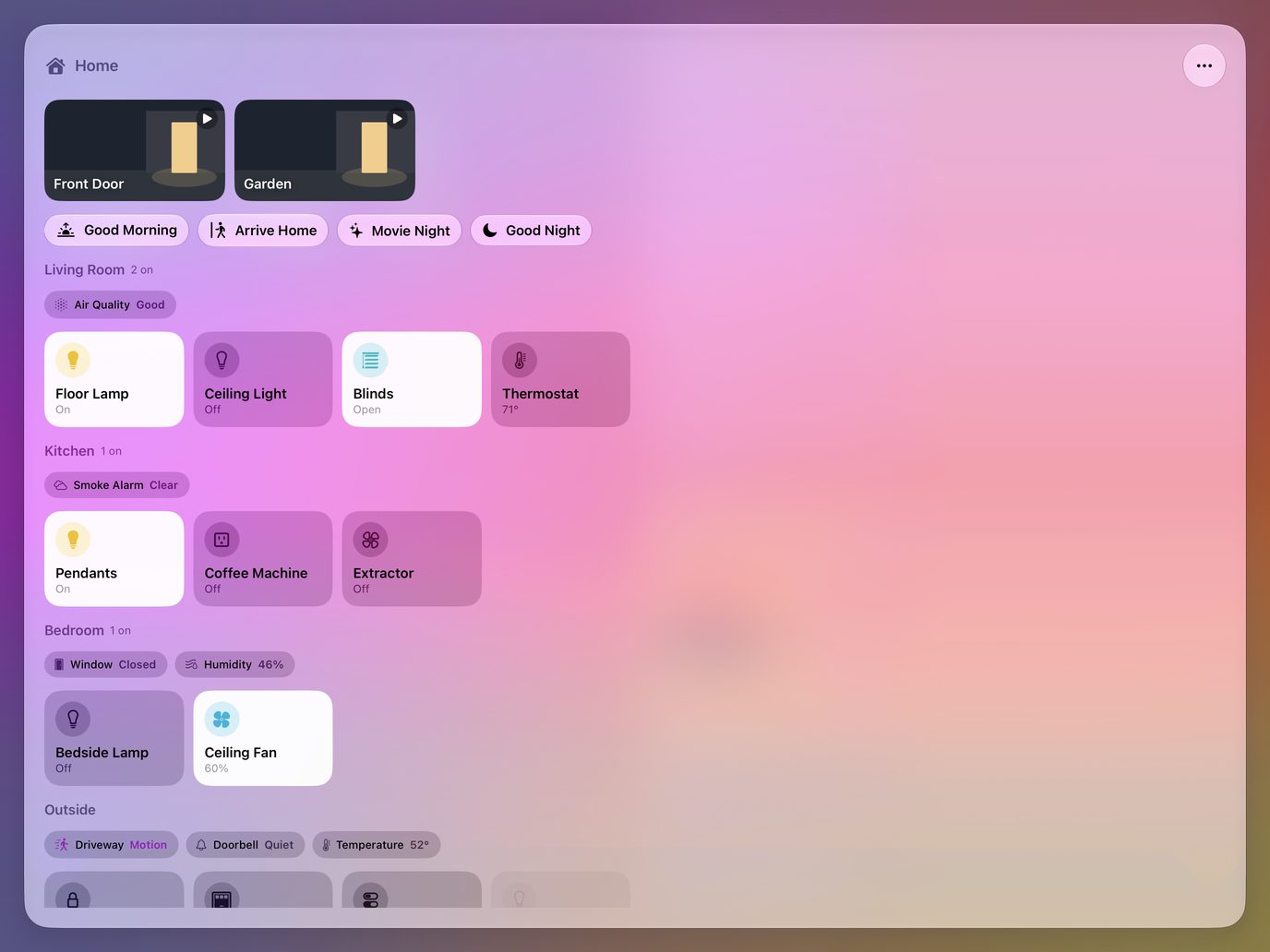
Every room, one tap away
Scenes, cameras and every accessory, grouped by room.
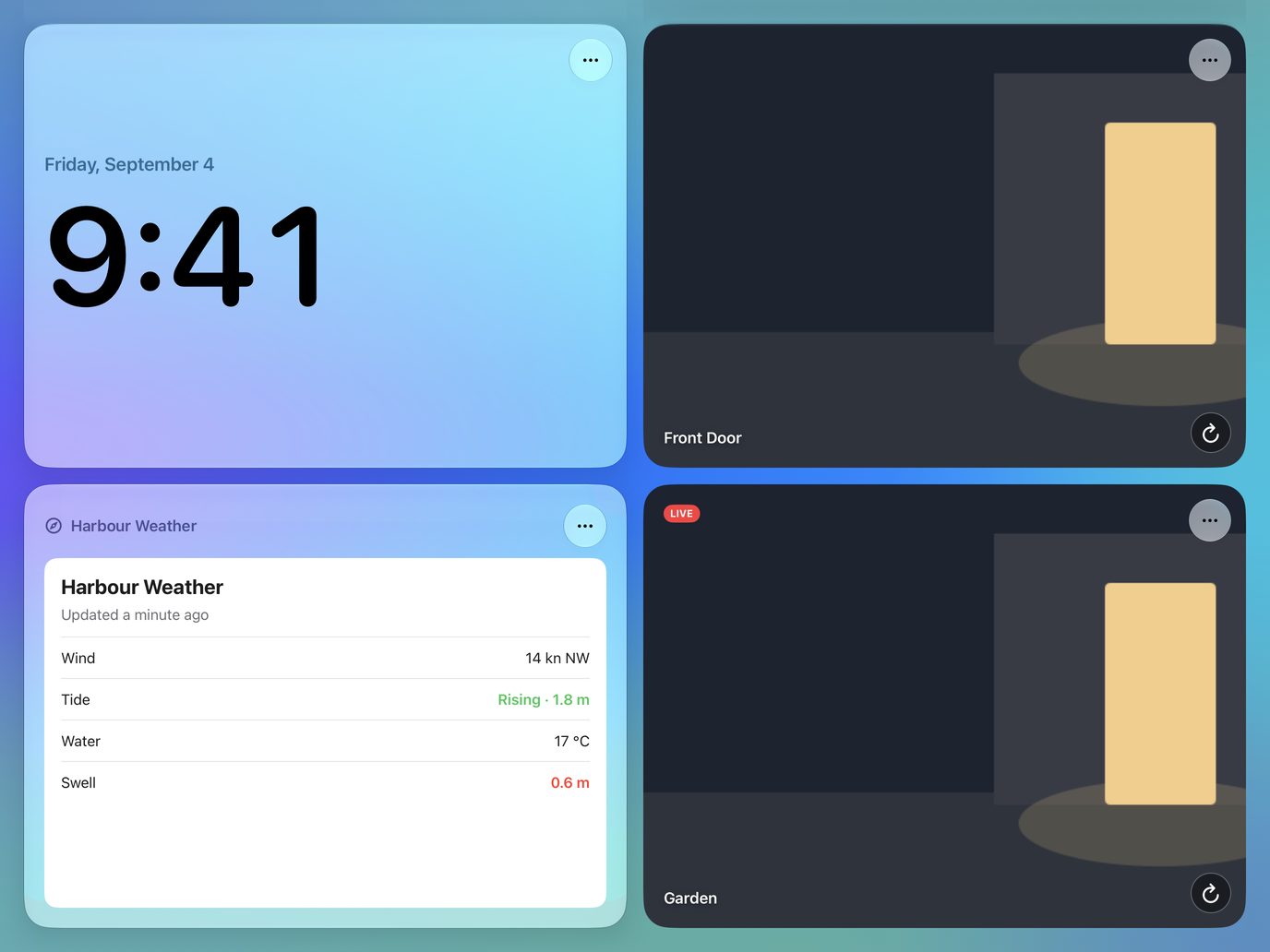
Any camera, any web page
A live camera a tap from full screen, and the pages you check every day.
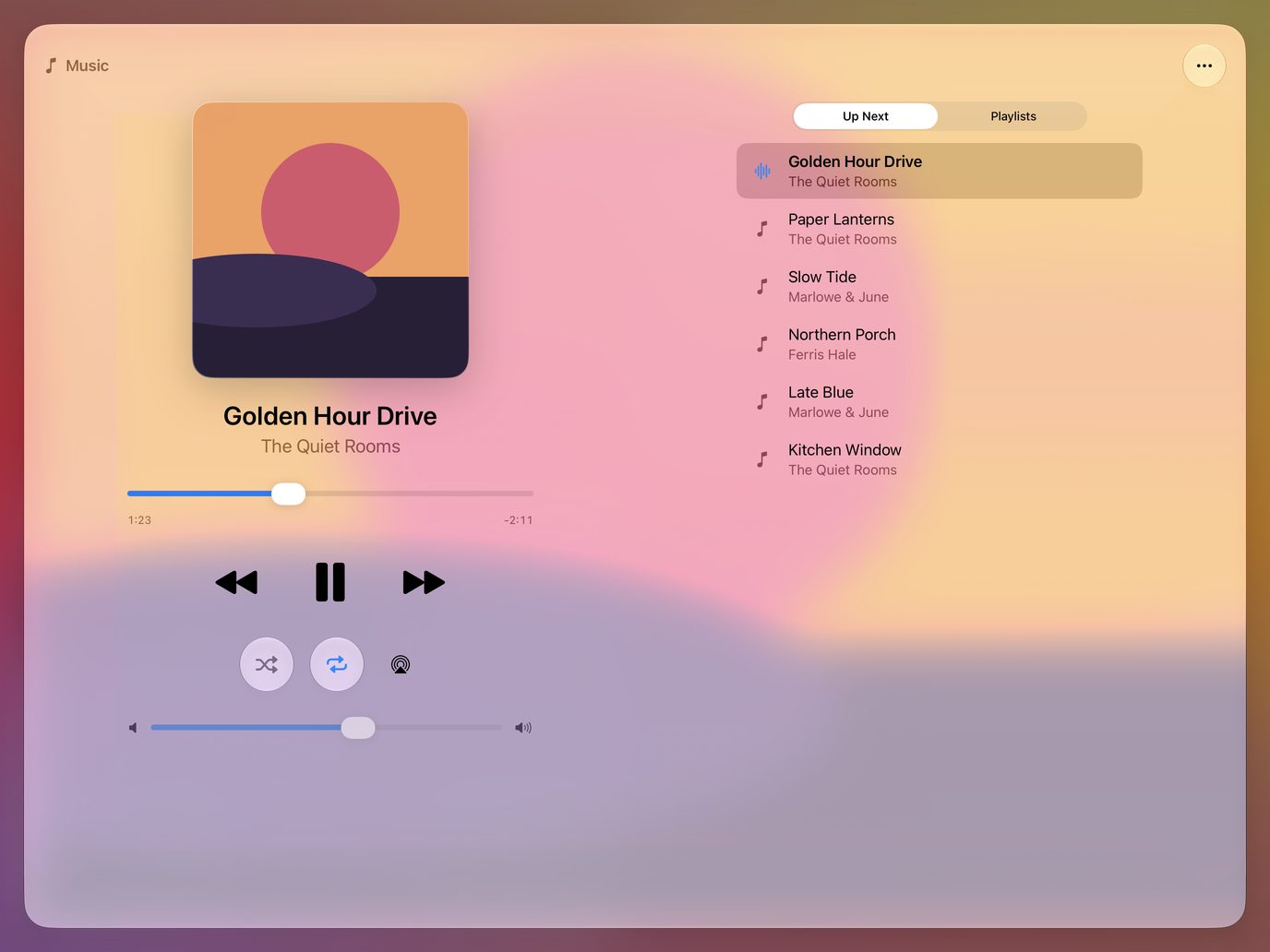
What’s playing, right there
Play, skip and set the volume without leaving the wall.
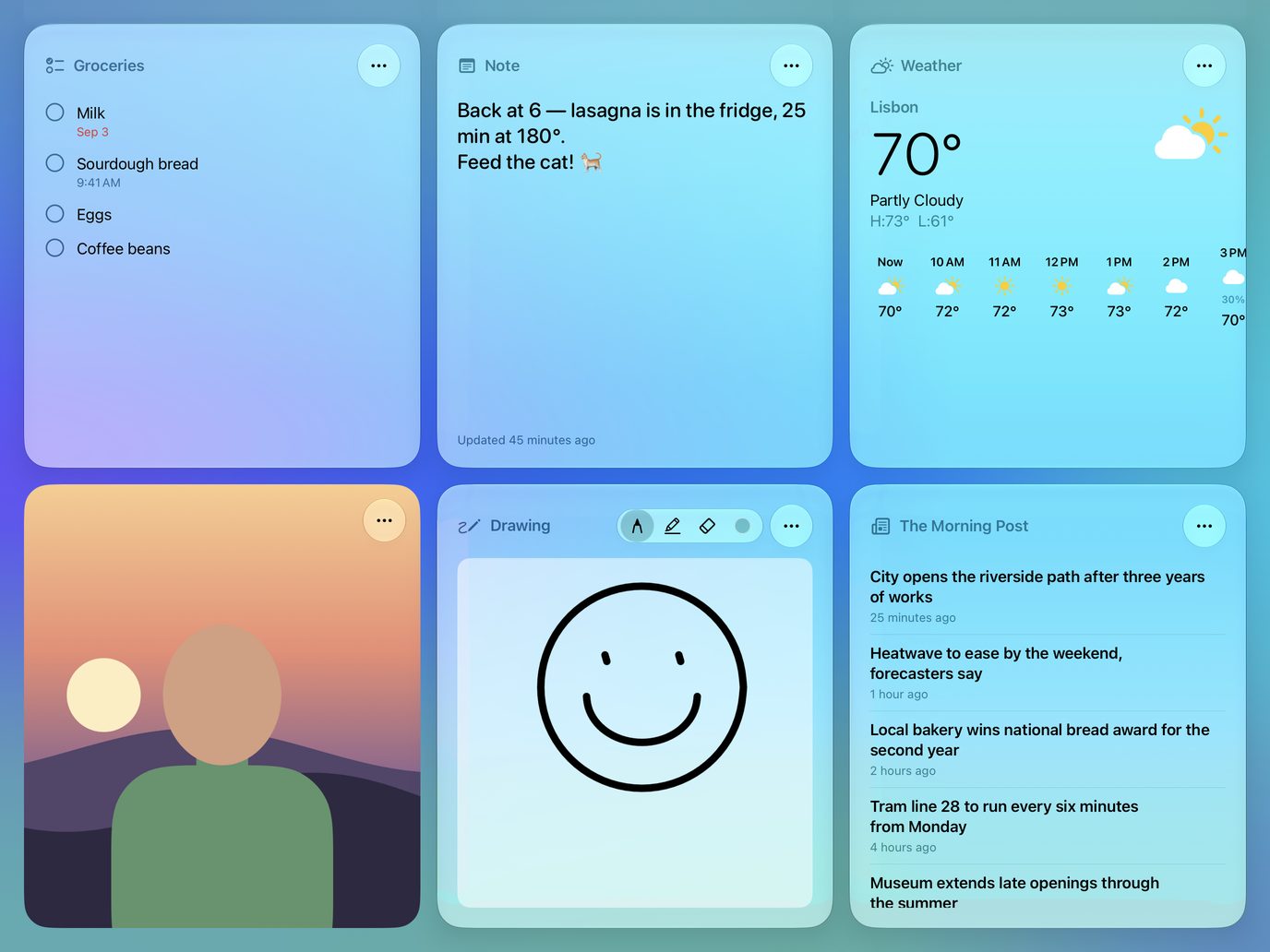
Notes, lists, weather and news
Leave a note, doodle, check the forecast and the headlines.
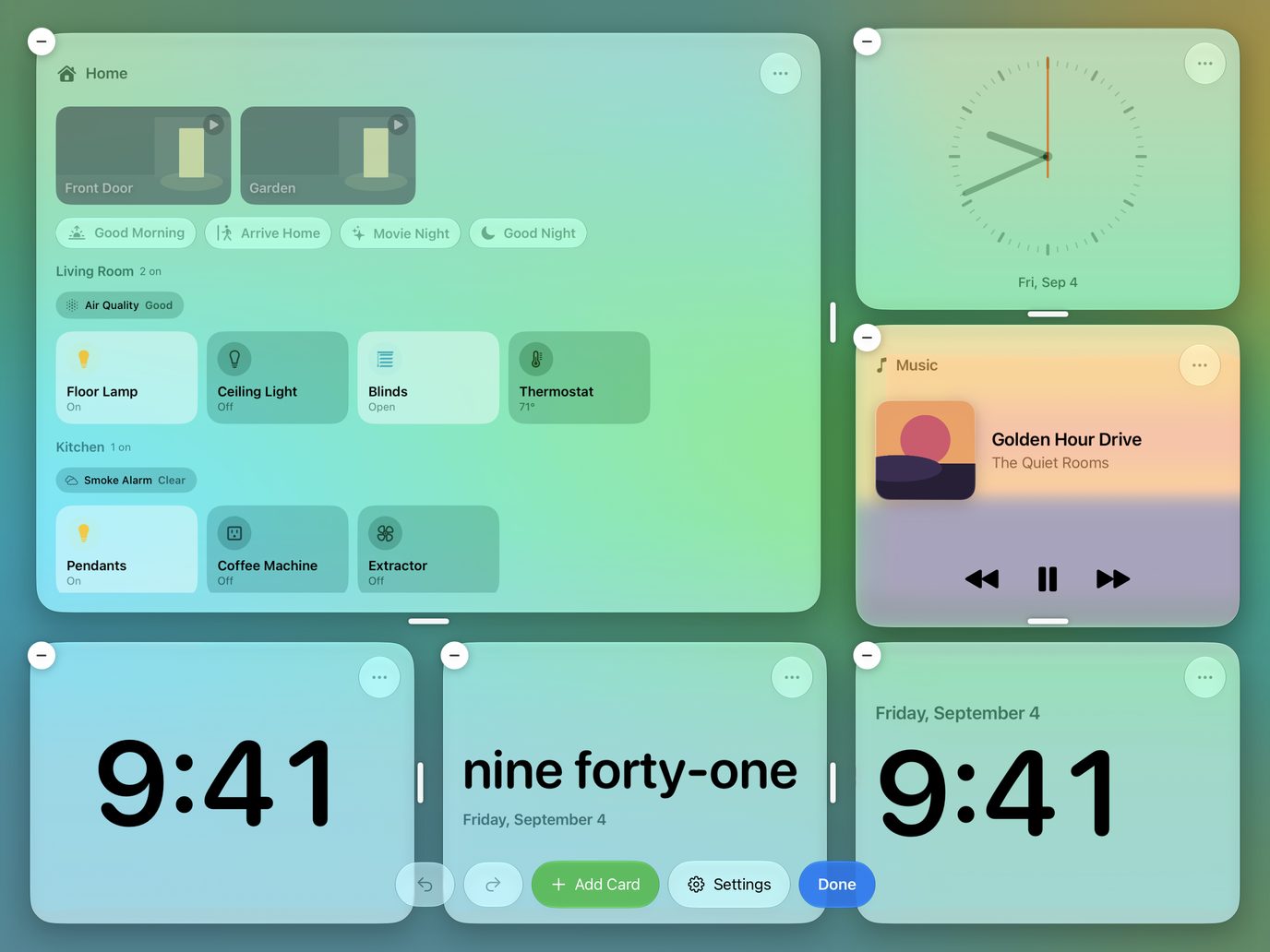
Arrange it your way
Drag a card’s edge to resize it, and the others make room.
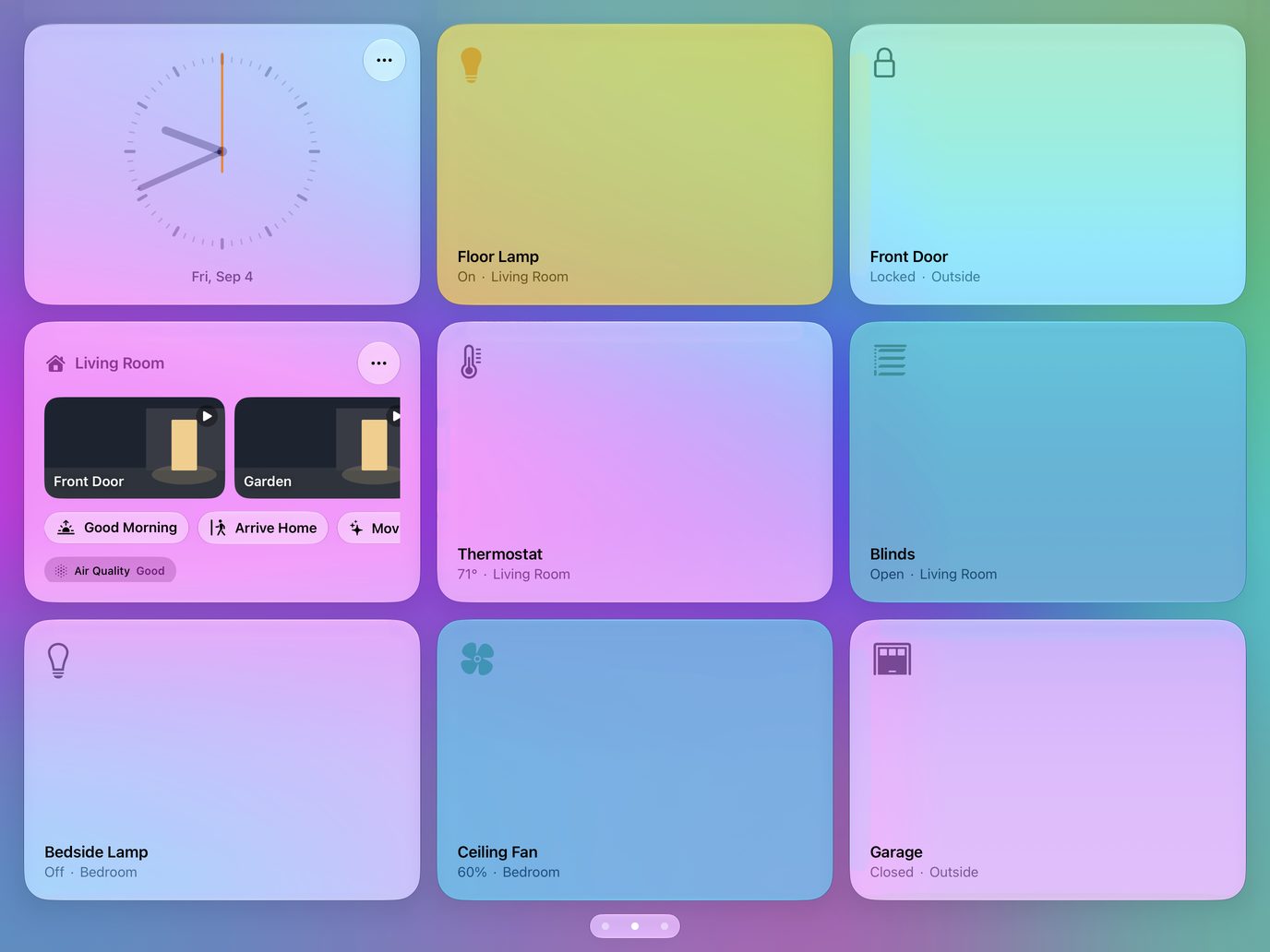
More than one dashboard
Swipe between them: one for each room, or each mood.
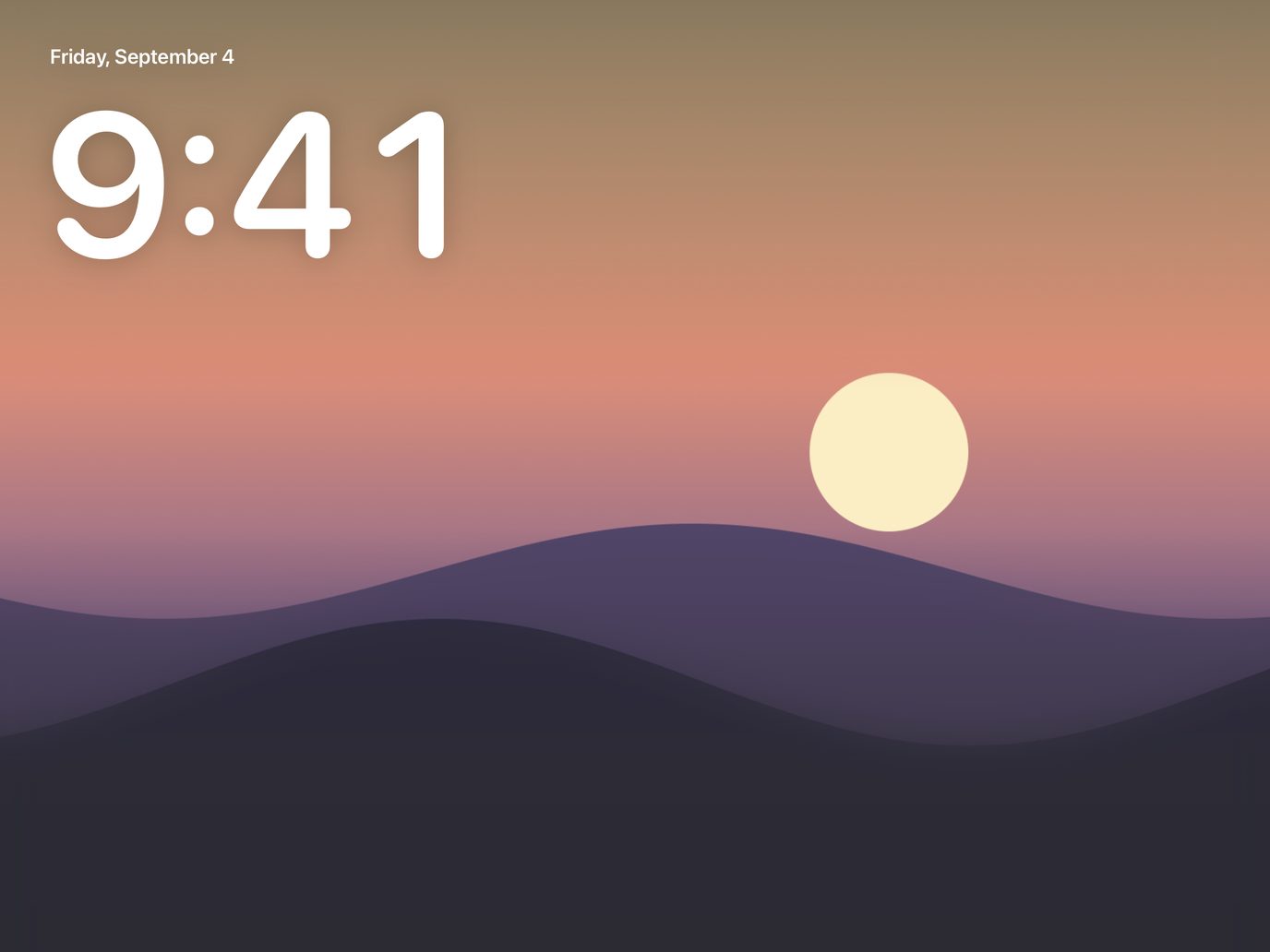
A photo frame when it’s idle
Dims to a photo and the time, and wakes when someone walks up.
Free and MyView Plus
| Feature | Free | MyView Plus |
|---|---|---|
| ClockThe time and date, in a style you choose. | Included | Included |
| HomeYour rooms, lights and scenes, as the Home app shows them. | Included | Included |
| AccessoryOne light, lock or switch, as its own card. | Included | Included |
| CameraOne camera, edge to edge: a still every ten seconds, or live. | Not included | Included |
| MusicWhat’s playing, your playlists, and the controls. | Included | Included |
| RemindersWhat’s left on a list, ready to tick off. | Included | Included |
| CalendarWhat’s on today and the days after. | Included | Included |
| NoteA message for whoever walks past, on every iPad. | Included | Included |
| DrawingA board to doodle on with a finger or a pencil. | Not included | Included |
| MirrorThe front camera, as a mirror. | Not included | Included |
| WeatherNow, today’s range, and the hours ahead, where this iPad is. | Not included | Included |
| NewsHeadlines from a feed you choose. | Not included | Included |
| Web PageA page you keep an eye on. | Not included | Included |
| TimersKitchen timers: a tap to start, a ring to watch, several at once. | Included | Included |
| DeparturesThe next departures from a stop you choose. | Not included | Included |
| CountdownDays until a date that matters. | Included | Included |
| Photo FramePhotos from an album, one after another, in a card of their own. | Not included | Included |
| Wi‑FiYour network as a code guests scan to join. | Included | Included |
| DashboardsSwipe between them: one for each room, or each mood. | One | Any number |
This table is read from the app’s own tier table when the page is built, so it says what the app enforces. MyView Plus is a subscription, by the month or by the year; plans, prices and any free trial are shown in the app and on the App Store.
Shortcuts and automation
MyView’s actions show up in the Shortcuts app, so a scene, a schedule or an automation can drive the display:
- Open MyView opens the dashboard.
- Open Dashboard opens the dashboard you choose.
- Show Camera shows a camera full screen, with the controls to listen and talk.
- Start Screensaver, Stop Screensaver and Is Screensaver On put the display to sleep, wake it, or ask which it is.
While MyView is on screen, a camera can also open on its own when the doorbell rings or a sensor trips — chosen in the app’s settings. Presence wake watches the front camera on the device itself and keeps nothing.
Coming soon
MyView is on its way to the App Store.
Until then, questions and ideas are welcome: [email protected].